eSIM for Korea: How to Set It Up Before You Land (2026)
🔗 Some links on this site are affiliate links. If you book through them, we may earn a small commission at no extra cost to you. We only recommend services we believe are genuinely useful for train travel in Korea.
Let’s start with the verdict, since that’s probably why you’re here: for most visitors to Korea, a travel eSIM is the right answer. You buy it online before you fly, install it from your couch on home Wi-Fi, and your phone latches onto a Korean network somewhere between the runway and the baggage belt. No kiosk queue at Incheon, no SIM-tray pin, no tiny piece of plastic to lose over the Pacific.
That’s a big claim, so the rest of this guide earns it — honest exceptions included. Need a Korean phone number? The airport carrier SIM is the better buy. Short trip with a cheap roaming day-pass? Roaming is fine. We’ll get to all of it.
Why you really do need data in Korea
First, the question underneath the question: can’t I just survive on café Wi-Fi? In most countries, sort of. In Korea, I wouldn’t try it.
The reason is maps. Google Maps barely works here. Korean law restricts exporting high-precision map data to foreign servers, so Google can’t offer turn-by-turn driving navigation at all, and its walking directions range from unreliable to missing. Transit directions mostly work; that’s the only piece that does. Everyone here uses Naver Map or Kakao Map instead — free, English interfaces, no Korean phone number needed. What they do need is the one thing café Wi-Fi can’t give you: a connection while you’re standing on an unfamiliar street corner, mildly lost.
Add the rest of a travel day — Papago translating a menu, live train timetables, hailing a Kakao T taxi, finding your exit among a subway station’s fourteen — and the case makes itself. The full argument is in Do You Need Data in Korea?. Short answer: yes, you do.
The 60-second compatibility check
Before you spend a single won, verify two things. This genuinely takes a minute.
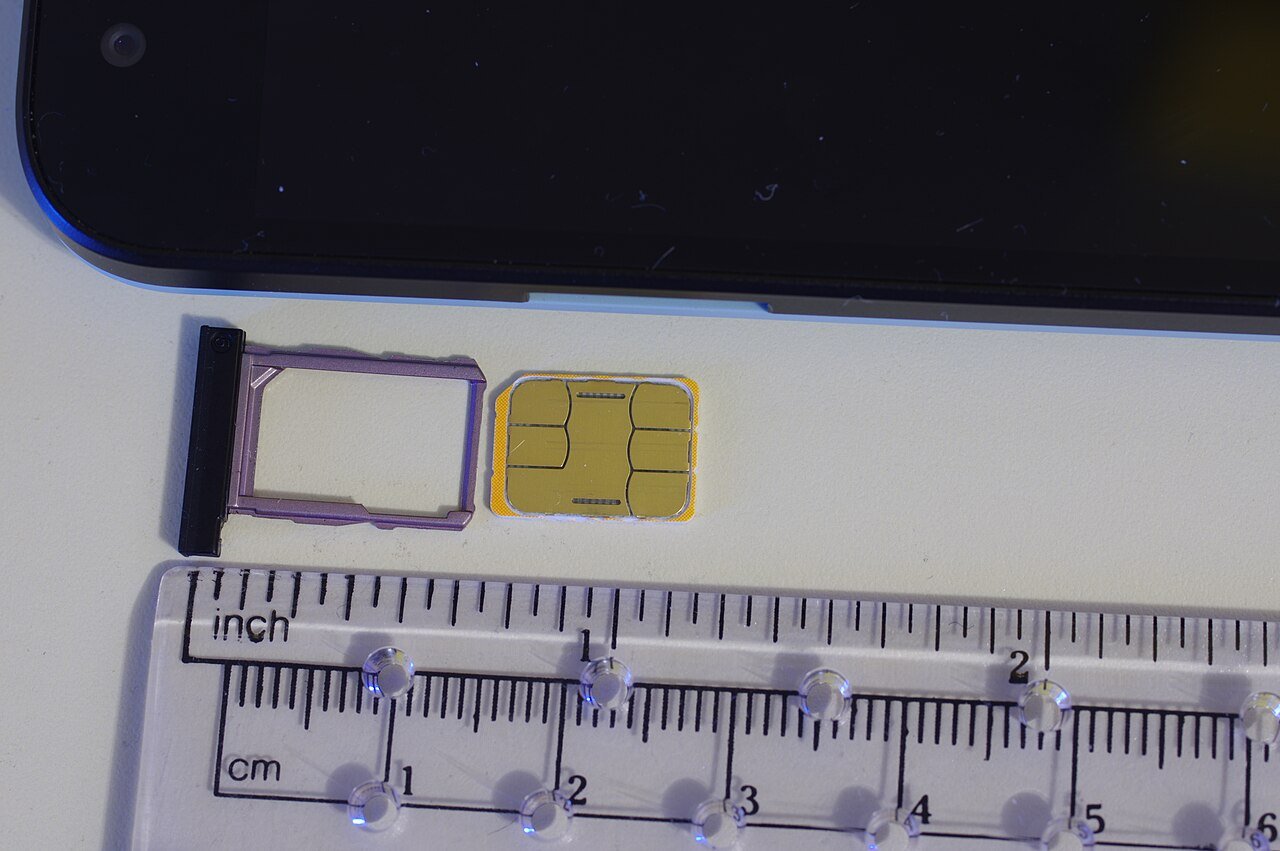
1. Does your phone support eSIM? The rule of thumb: iPhone XS, XS Max, or XR (2018) and newer; Samsung Galaxy S20 series (2020) and newer, including the Note 20 and Z Flip/Fold lines; Google Pixel 3 and newer. To confirm: on an iPhone, Settings → General → About — an EID number listed means you have eSIM hardware. On Android, look for an “Add eSIM” or “Download SIM” option in the SIM settings. Caveat: a few regional variants ship without eSIM hardware (mainland-China iPhones, classically), so check your specific model.
2. Is your phone unlocked? This is the one that actually catches people. A carrier-locked phone cannot use a travel eSIM at all — the lock applies to eSIMs exactly as to physical SIMs. If you bought it on an installment plan, confirm with your home carrier that it’s unlocked before buying anything. Five minutes now beats an ugly surprise in the arrivals hall.
Your four options, honestly compared
| Option | Ballpark cost | Korean number? | Best for |
|---|---|---|---|
| Travel eSIM | from about US$4; unlimited roughly US$12 (3 days) to US$69 (30 days) | no | most travelers with an unlocked, eSIM-ready phone |
| Carrier SIM/eSIM at the airport | around ₩71,500 (about US$53) for 30-day unlimited at the counter; somewhat less online | yes, with a small top-up | anyone who genuinely needs a Korean 010 number |
| Pocket Wi-Fi rental | roughly ₩3,000–6,000 per day | no | groups of three or four sharing one connection |
| Home-carrier roaming | varies wildly by carrier | keeps your home number | trips of 2–3 days on a cheap day-pass |
Travel eSIM. The default. Airalo’s current Korea lineup runs on the SK or LG U+ networks: unlimited plans from about US$12 for three days up to US$69 for thirty, plus small fixed-data plans from around US$4. Prices shift, so check the current list. Two catches — “unlimited” carries fair-use fine print, and there’s no Korean phone number; sections on both below.
Airport carrier SIM or eSIM. KT, SK Telecom, and LG U+ all sell tourist SIMs, and at the airport counters the 30-day unlimited price converges around ₩71,500 — buying online in advance runs a bit cheaper. It costs more than most eSIMs and the counter can have a queue after a long flight, but it’s the one option with a real Korean 010 phone number (typically activated at the counter with a small top-up; data-only online versions usually don’t include one). Staying for weeks or expecting deliveries? This is the right call, no shame in it.
Pocket Wi-Fi. The old default, now mostly outclassed. At roughly ₩3,000–6,000 a day it’s no longer cheaper than a budget eSIM for one person, and it’s one more device to charge, carry, and return. The surviving use case is a group of four sharing one router — split four ways, the math works again.
Your home carrier’s roaming. If your plan includes a cheap daily roaming pass and your trip is short, this is genuinely fine: zero setup, your own number, done. Over a week or two, daily fees usually pile up past every other option. Check your carrier’s Korea rates either way.
How much data do you actually need?
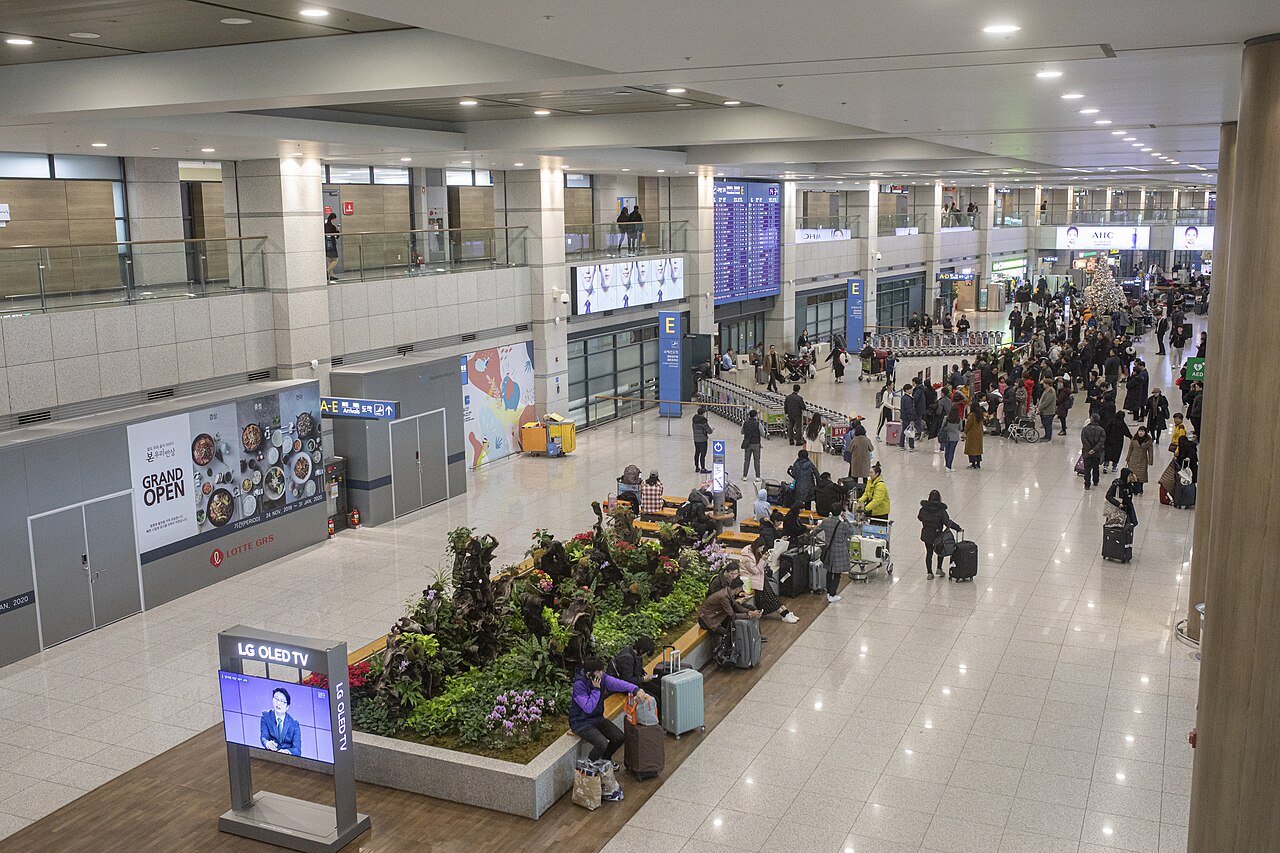
Less than you fear, unless you’re a streamer — it depends entirely on what you do with the phone.
| Your style | What that looks like | What to buy |
|---|---|---|
| Light | maps, messaging, translation, the odd search | a small fixed plan; these apps sip data |
| Medium (most travelers) | all of the above, plus social media and photo uploads | a mid-size plan — or unlimited for zero anxiety |
| Heavy | streaming, video calls, hotspotting a laptop | unlimited, and read the fair-use fine print |
The honest physics: navigation and translation use surprisingly little. What gulps data is video — streaming, video calls, and above all hotspotting. If that’s you, buy unlimited and know what it means: Airalo’s unlimited Korea plans typically give around 3GB per day at full speed, then slow to a trickle until the next day. Plenty for a maps-and-photos travel day; not enough for a Netflix night. Hotel Wi-Fi in Korea is excellent, so let the hotel handle the Netflix.
Either way, data is one of the smallest lines in a Korea trip — see how the whole budget adds up.
Setup that won’t ruin your arrival
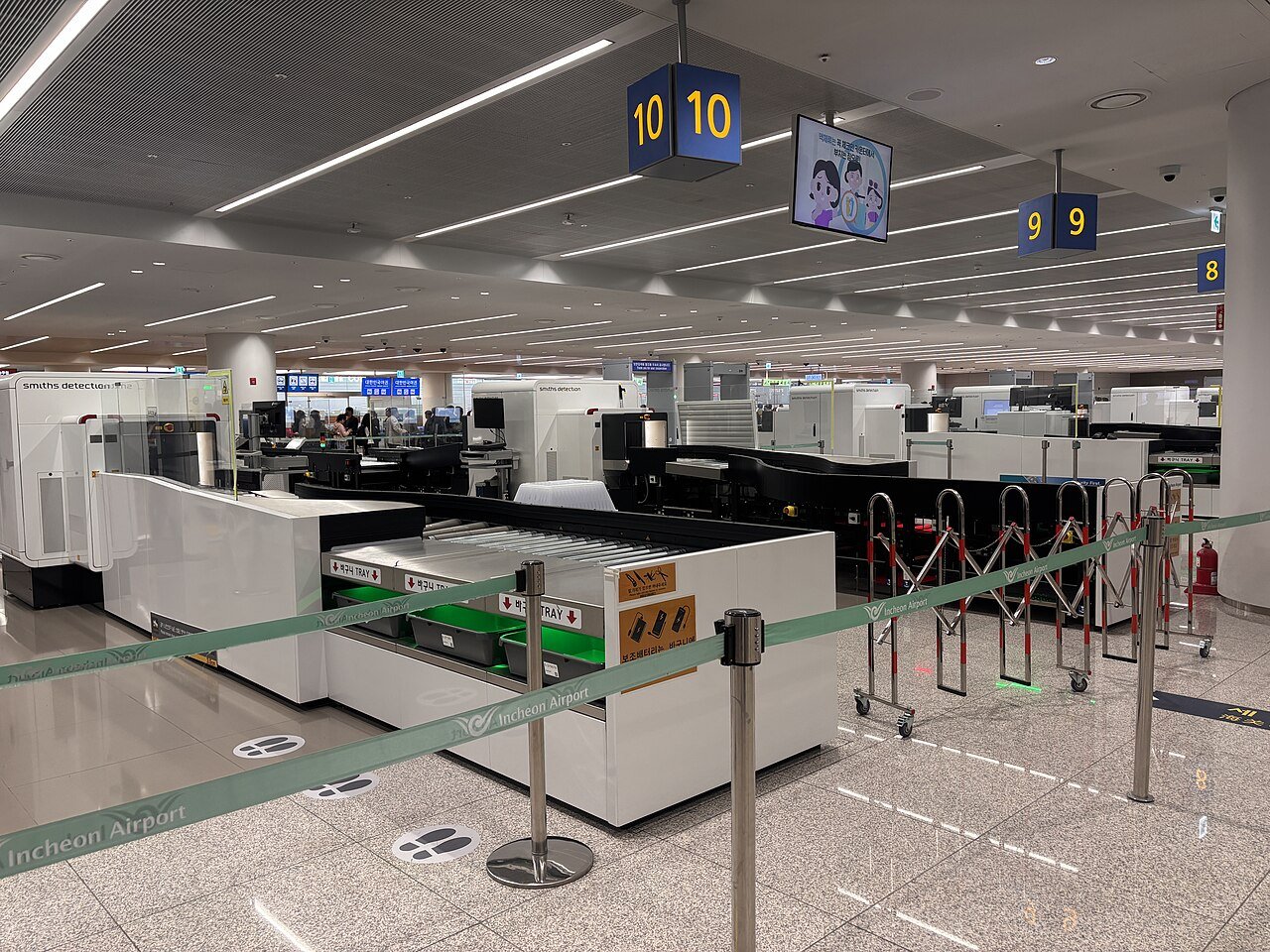
The golden rule: do everything except activation at home, on Wi-Fi, before you fly. The arrivals hall is the worst possible place to learn your phone is locked.
- Buy the eSIM a few days before departure. You’ll get a QR code or an in-app install button.
- Install it at home over Wi-Fi. Installing is not activating — most Korea plans start counting from your first connection to a Korean network; check your plan’s terms to be sure.
- Label your lines “Home” and “Korea” while you’re at it. Future-you, jet-lagged in settings, will be grateful.
- On your home SIM, turn data roaming off — but leave the line on. SMS (bank verification codes, mostly) keep arriving, with no surprise roaming charges.
- On landing, set the Korea eSIM as your data line and switch its data roaming on — many travel eSIMs need roaming enabled, which feels wrong but is normal.
- Give it a minute. Bars usually appear while you’re still walking to immigration.
If it doesn’t connect
Ninety percent of “my eSIM is broken” cases are one of these four. Try them in order:
- Toggle airplane mode on and off. The classic, because it works — it forces a fresh network registration.
- Check data roaming is ON for the travel eSIM (and that it’s selected as your data line). This is the single most common miss.
- Select the network manually. In your mobile network settings, turn off automatic selection and pick the network your plan uses — SK Telecom or LG U+, depending on the plan.
- Reinstall as a last resort — and contact the provider’s support first, because many eSIMs can only be installed once.
The fine print: no Korean phone number
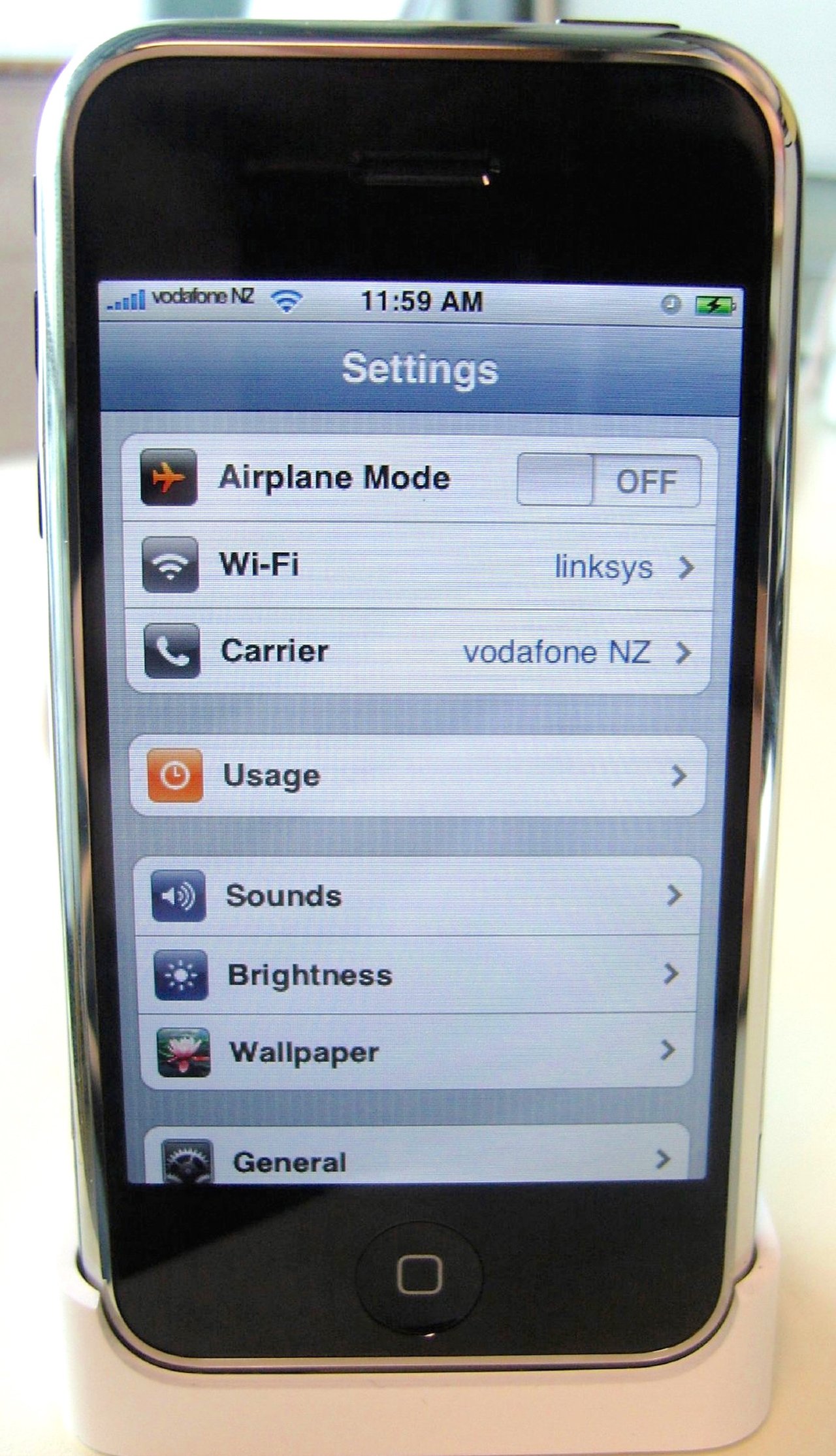
Travel eSIMs are data-only: no Korean number, no SMS. Calls over WhatsApp, FaceTime, or KakaoTalk work exactly as they do at home, and most tourists go their whole trip without ever noticing the gap.
Here’s where you might notice. Korea’s app ecosystem loves verifying people with a Korean 010 number tied to Korean ID. The waitlist tablets at popular restaurants ask for a local number to text when your table’s ready, and the dominant local waitlist app effectively locks out visitors without Korean residency. The workarounds that work: look for the “Overseas User” or “No Korean phone” button on waitlist kiosks (increasingly common), use the CatchTable Global app for restaurant bookings — sign-up via Google or Apple, foreign cards accepted — or ask your hotel to book. And if you genuinely need a local number — long stay, deliveries — that’s the airport carrier SIM’s job.
Data on the train (the part we care about)
This being Korea by Train, the rail angle: the KTX has free onboard Wi-Fi, and it’s the weakest thing about an otherwise excellent train. Shared with a full carriage, it crawls precisely when you want it. Your eSIM doesn’t care — coverage along the high-speed line is strong (long tunnels excepted), which quietly turns the train into a rolling office for trip admin.
And Korea train travel rewards being online, because everything moves in real time: booking windows, platform numbers, Friday trains selling out. With data, you can grab tomorrow’s seats from today’s train on the Korail global site — the method that reliably accepts foreign cards — figure out why the KorailTalk app just failed silently, or compare all five ways to buy in How to Buy KTX Tickets. It’s also how you replan a day trip from Seoul from the platform itself. The full Seoul–Busan playbook lives in our KTX guide, and the whole rail system is mapped in How to Travel Korea by Train.
Quick questions
Will my phone work with an eSIM? iPhone XS, Galaxy S20, or Pixel 3 and newer — very likely, as long as it’s carrier-unlocked. Check settings for an EID (iPhone) or an “Add eSIM” option (Android).
Do I lose my home number while using a travel eSIM? No. Your home SIM stays installed and active, so SMS (including bank codes) still arrive. Just turn data roaming off on that line so nothing bills in the background.
Can I just set it up after landing? You can — airport Wi-Fi covers purchase and install. But your couch at home is a far calmer place to discover a locked phone than the arrivals hall.
Is “unlimited” really unlimited? Usually not quite. Airalo’s Korea unlimited plans typically allow around 3GB a day at full speed, then throttle until the next day. Fine for travel use; not a hotspot replacement.
Do I need a Korean phone number? Most tourists never do. If you hit a restaurant waitlist tablet, look for the overseas-user option or use CatchTable Global. If you genuinely need one, buy a carrier SIM at the airport.
What’s cheapest for a family of four? One pocket Wi-Fi split four ways can beat four eSIMs — if you’re happy staying in Wi-Fi range of each other all day. Many families pay for the freedom of individual eSIMs anyway.
What if I run out of data mid-trip? Buy another plan in the app and install it in minutes, wherever you are. No kiosk required — that’s rather the point.
Related guides
- Do You Need Data in Korea? — the full case, including what free Wi-Fi actually covers.
- Seoul to Busan by KTX — the ride where weak train Wi-Fi meets your shiny new eSIM.
- How to Book KTX with a Foreign Credit Card — the booking method that actually works, best used online.
- Korea Travel Budget — where data fits among all the other costs.
- How to Travel Korea by Train — the hub for the whole rail system.
🔗 Affiliate disclosure: Some links on this site are affiliate links. If you book through them, we may earn a small commission at no extra cost to you. We only recommend services we believe are genuinely useful for train travel in Korea.