Korea Without Data: Can Tourists Get By on WiFi Alone? (2026)
🔗 Some links on this site are affiliate links. If you book through them, we may earn a small commission at no extra cost to you. We only recommend services we believe are genuinely useful for train travel in Korea.
Let’s not bury the answer: yes, you want mobile data in Korea. Not a maybe, not a “depends on your style” — for the overwhelming majority of visitors, trying to travel Korea on Wi-Fi alone is a slow, stressful way to save about ten dollars.
That sounds dramatic, so this guide earns it. Korea is one of the most wired countries on earth, which is exactly the trap: the country assumes everyone is online, so the offline experience quietly falls apart in ways it wouldn’t elsewhere. Below is the honest case for why, what the free Wi-Fi actually covers (and doesn’t), how the four connection options really compare, how much data you need, and the small handful of travelers who could just about skip it.
Why Korea punishes you for being offline
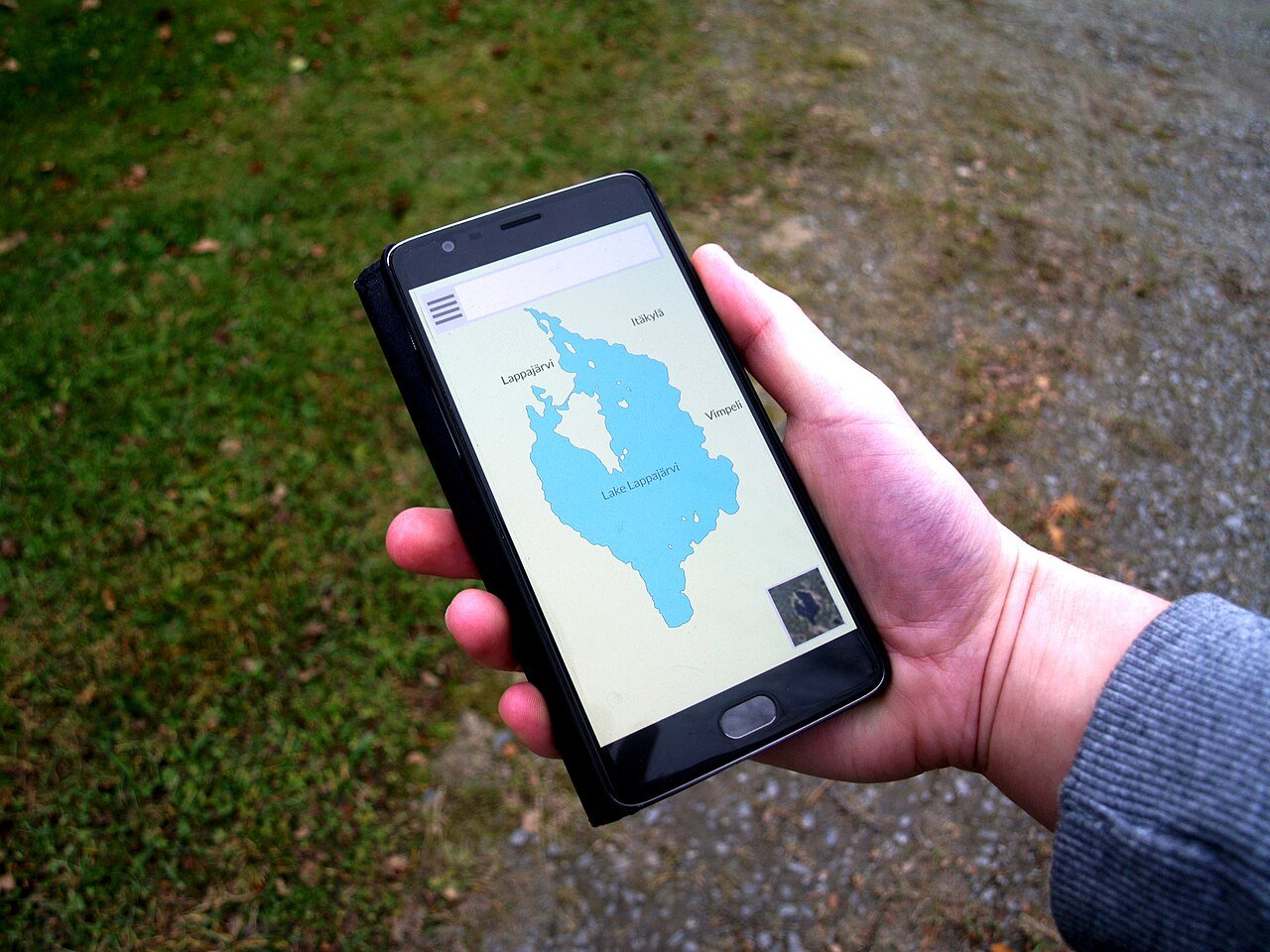
The whole argument really comes down to one thing, and it surprises almost everyone: Google Maps barely works in Korea.
This is not a glitch you can fix. South Korea’s spatial-data law restricts exporting high-precision map data to servers outside the country, so Google has never been allowed the detailed maps that power its navigation. The result, as of 2026: no turn-by-turn driving navigation at all, and walking directions that range from unreliable to simply missing. Public-transit directions mostly work — that one piece is usable — but the moment you step off the subway and need to walk three blocks to a restaurant, Google leaves you guessing. (Korea signaled in early 2026 it may finally relax this, but full navigation has not rolled out, so plan for the maps as they are today, not as they might become.)
So what do 52 million Koreans use instead? Naver Map and Kakao Map. Both are free, both have English interfaces, neither needs a Korean phone number, and both are genuinely excellent — accurate walking routes, real-time bus arrivals, subway exits numbered, the lot. Naver Map is the better all-rounder for transit; Kakao Map pairs with Kakao T for taxis. You will use one of these constantly.
And here’s the catch that ties it back to data: a map app is only as useful as your connection at the moment you’re lost. You don’t get lost on the hotel Wi-Fi. You get lost on a street corner in Busan with twelve restaurant signs and no idea which alley your reservation is down. That is the exact moment Wi-Fi can’t help you — and the exact moment data pays for itself.
The rest of a Korea travel day needs data too
Maps are the headline, but they’re not the whole story. Walk through a normal day and the connection keeps mattering:
- Translation. Papago (Korea’s best translator) and Google Translate’s camera mode turn an all-Korean menu into something orderable. You want this at the table, not bookmarked for later.
- E-tickets and QR codes. Your KTX ticket, palace admission, concert entry, even some restaurant waitlists live as a QR code or app screen. Many need to load or refresh live at the gate.
- KakaoTalk. This isn’t optional social media here — it’s how Korea communicates. Your guesthouse host, your tour operator, the shop holding your order: all of them will say “just KakaoTalk me.” It works over Wi-Fi, but only when you’re sitting in Wi-Fi.
- Taxis. Kakao T is how you summon a cab, and Korean street-hailing rewards anyone who can show the driver a pinned destination in Korean.
- Trains, live. Korea’s rail system moves in real time — seats sell out, platforms get assigned late, schedules shift. Checking or booking from your phone, on the spot, is the whole advantage, and it needs a connection. More on the rail angle at the end.
None of these is a once-a-trip emergency. They’re the texture of every single day. Take the connection away and each one becomes a small scavenger hunt for the nearest hotspot.
The Wi-Fi reality: real, free, and not nearly enough

Let’s be fair to Korean Wi-Fi, because the coverage genuinely is impressive — it’s just the wrong tool for a traveler.
What’s true: free Wi-Fi is everywhere. Cafés, every convenience store, the subway, most buses, malls, many public squares, and the airport all offer it. Seoul has thousands of free public hotspots. Hotel Wi-Fi, in particular, is fast and reliable across the board.
Why it still doesn’t solve the problem:
- It’s stationary; travel is not. Wi-Fi is wonderful while you’re sitting down and useless while you’re walking — which is precisely when you need maps.
- Public networks fight you. Many need an SMS verification code (sent to a Korean number you don’t have), a Korean-language captive portal, or simply drop after a few minutes.
- It’s not secure. Doing your banking or entering card details on open public Wi-Fi is a genuinely bad idea, in Korea as anywhere.
- The gaps are where you live. Between the café and the subway, walking from the station to the hotel, standing outside a museum deciding what’s next — the in-between moments are most of a travel day, and that’s exactly where free Wi-Fi isn’t.
The honest summary: Korean Wi-Fi is a lovely bonus on top of mobile data. It is a miserable replacement for it.
Your four options, compared honestly

Once you accept that you need data, there are exactly four ways to get it. Here’s the quick version, then the detail.
| Option | Ballpark cost | Korean phone number? | Best for |
|---|---|---|---|
| Travel eSIM | unlimited from about US$11 (3 days) to US$69 (30 days); small data plans from a few dollars | no | most travelers with an unlocked, eSIM-ready phone |
| Physical SIM at the airport | around ₩71,500 (about US$50) for 30-day unlimited | yes, with a small top-up | anyone who genuinely needs a Korean number |
| Pocket Wi-Fi rental | roughly ₩3,000–6,000 per day | no | groups of three or four sharing one device |
| Home-carrier roaming | varies wildly | keeps your home number | very short trips on a cheap day-pass |
Travel eSIM — the default for most people
An eSIM is a digital SIM you buy online and install over Wi-Fi before you even leave home; it activates the moment your phone touches a Korean network on landing. No kiosk queue at Incheon after a long flight, no fiddling with a SIM-eject pin, nothing to lose. Plans run on the major Korean networks, with unlimited options from roughly US$11 for three days up to about US$69 for thirty, plus cheaper fixed-data plans. Two honest caveats: “unlimited” usually means around 3GB per day at full speed before throttling, and an eSIM gives you no Korean phone number (data only). For the great majority of visitors, neither matters. This is the recommended choice, and the box just below is the fastest way to it.
Physical SIM at the airport — when you need a Korean number
Every major airport (Incheon, Gimpo, Gimhae) has KT, SK Telecom, and LG U+ booths in arrivals with English-speaking staff. A 30-day unlimited tourist SIM lands around ₩71,500 (about US$50) — pricier than most eSIMs, and there can be a queue after a long-haul flight. Its one real advantage: paired with a small top-up, it can give you an actual Korean 010 phone number. If you’re staying for weeks, expecting deliveries, or need a local number for any reason, this is the right tool and worth the few extra dollars.
Pocket Wi-Fi — only really for groups
A rented pocket router was the old default and is now mostly outclassed for solo travelers: at ₩3,000–6,000 a day it isn’t cheaper than a budget eSIM, and it’s another device to charge, carry, and return to a counter. The surviving case is a group of three or four sharing one router — split four ways, the per-person cost finally makes sense, with the trade-off that the group has to stay within Wi-Fi range of each other all day.
Home-carrier roaming — fine for very short trips
If your home plan includes a cheap daily roaming pass and you’re in Korea for just two or three days, roaming is genuinely fine: zero setup, you keep your own number, done. Over a week the daily fees usually overtake every other option, so check your carrier’s Korea rate and do the simple multiplication before you rely on it.
If you want the full setup walkthrough — the 60-second phone-compatibility check, install steps, and what to do if it won’t connect — that all lives in our dedicated eSIM for Korea guide.
How much data do you actually need?

Less than you fear, unless you stream. The apps that define a Korea trip — maps, translation, messaging — sip data; the only real guzzler is video. Here’s a realistic guide:
| Your style | What that looks like | What to buy |
|---|---|---|
| Light | maps, KakaoTalk, translation, occasional searches | a small fixed plan (a few GB goes a long way) |
| Medium (most travelers) | all of the above, plus social media and uploading photos | a mid-size plan, or unlimited for zero anxiety |
| Heavy | streaming, video calls, hotspotting a laptop | unlimited — and read the fair-use fine print |
The physics worth knowing: navigation and translation barely register. What burns through data is streaming video, video calls, and above all hotspotting a laptop or tablet. If that’s you, buy unlimited and understand what it means — typically around 3GB per day at full speed, then a slow trickle until the next day. That’s plenty for a maps-and-photos travel day but not a Netflix-in-bed night. Since Korean hotel Wi-Fi is excellent, just let the hotel handle the streaming and you’ll rarely brush the cap. Either way, data ends up being one of the smallest lines in a Korea trip — see how it stacks up against everything else in our Korea travel budget.
Who could just about get away without it?

In the interest of honesty, not everyone strictly needs to buy data. You could skip it if:
- Your trip is one or two days and your home plan has a cheap roaming pass — roaming wins on sheer simplicity.
- You’re on a fully guided tour where a guide handles every map, ticket, and taxi, and you’re never navigating alone.
- You’re an experienced, low-tech traveler genuinely happy to pre-download offline Naver/Kakao maps, screenshot every ticket and reservation, and accept getting lost as part of the fun.
Even then, “could” is doing heavy lifting. Offline maps go stale, screenshots can’t refresh a live QR, and “part of the fun” wears thin at 9pm in the rain outside the wrong subway exit. For roughly the price of two coffees, data removes an entire category of travel friction. Most people who try the Wi-Fi-only experiment give up and buy an eSIM on day one anyway.
When to set it up (timing matters)
The single best move is to sort your data before you fly. With an eSIM that means buying and installing it at home on your own Wi-Fi a day or two before departure — installation is not activation, so the clock generally doesn’t start until you connect in Korea. You then walk off the plane already online, while everyone else queues at the airport carrier booth.
If you’d rather decide on arrival, you still can: Incheon’s free Wi-Fi will let you buy an eSIM or join a SIM queue after you land. But the arrivals hall, jet-lagged, is the worst possible place to discover your phone is carrier-locked or your eSIM needs troubleshooting. Five quiet minutes on your sofa beats it every time. The full pre-departure checklist is in the eSIM for Korea guide.
The train angle: why rail travelers especially want data
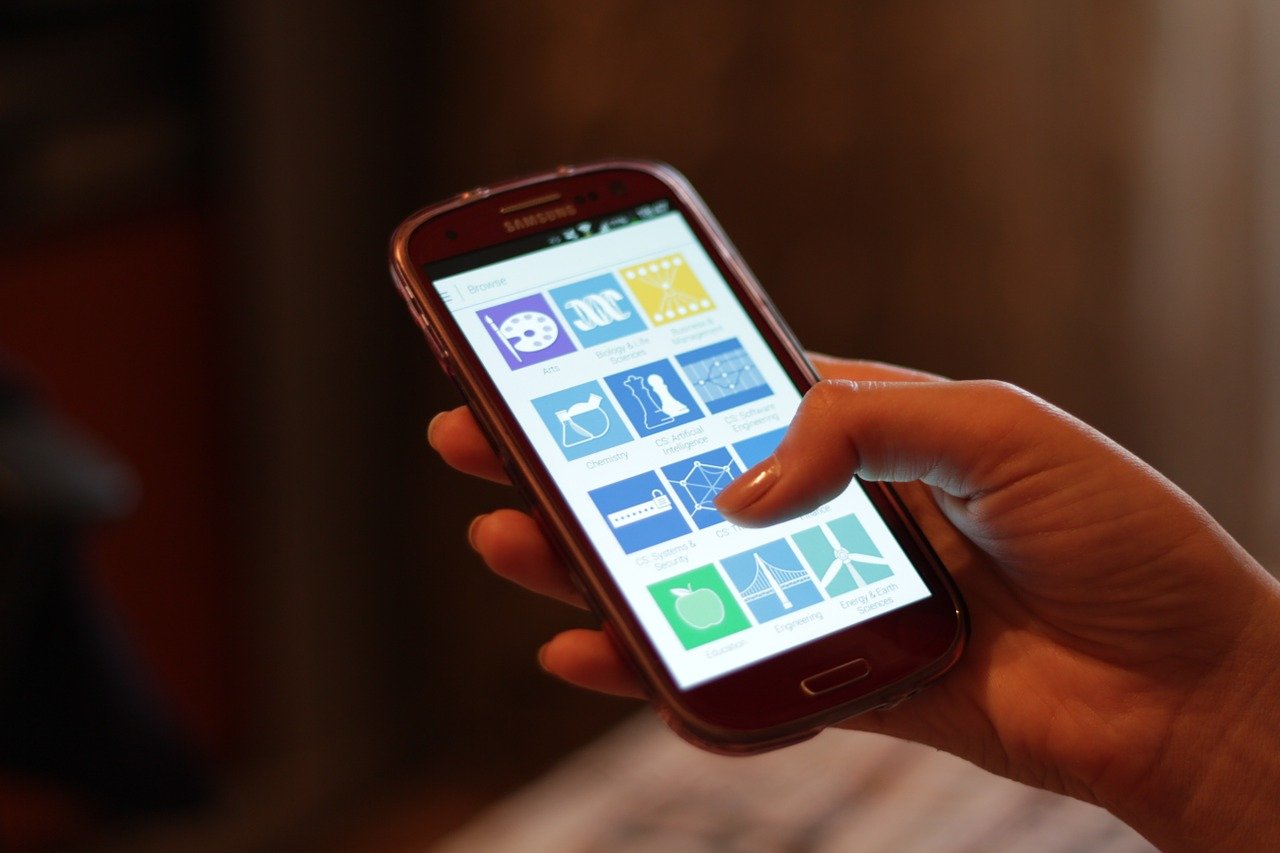
This being Korea by Train, the part closest to our hearts. If your trip involves KTX or the wider rail network, data shifts from “useful” to “quietly essential.”
Yes, the KTX has free onboard Wi-Fi — and it’s the weakest thing about an otherwise superb train. Shared across a full carriage, it crawls exactly when you want to do something. Your own data doesn’t care: coverage along the high-speed line is strong (long tunnels aside), turning the ride into a rolling office for trip admin.
And Korean rail rewards being online because it all moves in real time. With data you can grab tomorrow’s seats from today’s train using the foreign-card-friendly booking method, work out why the KorailTalk app just failed silently (a classic foreign-card snag), compare every way to buy in how to buy KTX tickets, or replan a day trip from Seoul right from the platform. The full Seoul–Busan playbook is in our KTX guide, and the whole network is mapped in how to travel Korea by train. Doing a multi-city rail loop? The Korail Pass may save you money — and you’ll still want data in hand to use it.
Quick questions
Do I really need data, or can I survive on Wi-Fi? You can technically survive, but you’ll spend the trip hunting for hotspots at the worst moments. Because Google Maps barely works in Korea and the good map apps need a live connection while you’re walking, mobile data is the single highest-value small purchase of your trip.
Why doesn’t Google Maps work properly in Korea? A Korean law restricts exporting high-precision map data abroad, so Google can’t offer driving navigation and its walking directions are unreliable. Use Naver Map or Kakao Map instead — both free, both with English interfaces, and both need a data connection to be useful on the move.
Is the free Wi-Fi really not enough? Korean Wi-Fi is genuinely excellent — but stationary. It’s useless while you walk (when you need maps), often needs a Korean number to log in, and isn’t secure for banking. It’s a great bonus on top of data, not a replacement.
eSIM or physical SIM — which should I get? For most travelers, an eSIM: cheaper, no airport queue, and it activates on landing. Choose a physical airport SIM only if you specifically need a Korean phone number (long stays, deliveries). Pocket Wi-Fi makes sense mainly for groups of three or four.
How much data should I buy? Maps, translation, and messaging use very little, so light users do fine on a small plan. Most people are happiest with unlimited for peace of mind — just know “unlimited” usually means about 3GB a day at full speed, then throttled. Let hotel Wi-Fi handle any streaming.
When should I set it up? Before you fly. Buy and install an eSIM at home on Wi-Fi a day or two early; it activates when you reach Korea, so you walk off the plane already connected instead of queuing in the arrivals hall.
Is there Wi-Fi on the KTX? Yes — KTX trains have free onboard Wi-Fi, but it’s shared across the whole carriage and slows to a crawl when you actually want it. Your own mobile data along the high-speed line is far stronger (long tunnels aside), so for anything that matters on board, lean on your eSIM rather than the train Wi-Fi.
Related guides
- eSIM for Korea: How to Set It Up Before You Land — the compatibility check, step-by-step install, and fixes if it won’t connect.
- Korea Travel Budget — where data fits among all your other trip costs.
- How to Book KTX with a Foreign Credit Card — the booking method that works, best used online.
- KorailTalk App Not Working? — why the app fails for foreigners, and what to do instead.
- How to Travel Korea by Train — the hub for planning the whole rail trip.
🔗 Affiliate disclosure: Some links on this site are affiliate links. If you book through them, we may earn a small commission at no extra cost to you. We only recommend services we believe are genuinely useful for train travel in Korea.