KorailTalk (Now Korail+) Not Working? Every Fix (2026)
🔗 Some links on this site are affiliate links. If you book through them, we may earn a small commission at no extra cost to you. We only recommend services we believe are genuinely useful for train travel in Korea.
KorailTalk is the official Korail app, and it does work in English — but foreign visitors hit a predictable set of snags. Here’s how to fix the common ones, fastest first.
First, the 2026 name change. On 3 August 2026 KorailTalk became Korail+, the integrated app that now books KTX and the former SRT together. If you are looking for “KorailTalk” and cannot find it, that is why — see the first section below.
Problem: KorailTalk has vanished from the app store
It was renamed, not removed. Ahead of the 1 September 2026 KTX–SRT merger, Korail delivered the integrated app as an update to KorailTalk on 3 August, rebranded as Korail+. If you already had KorailTalk installed it should simply have updated in place; if you are installing fresh, search for Korail+.
Two things that follow from the merger and catch people out:
- One app now covers both. Departures from Seoul, Yongsan and Suseo appear in the same search — the old SRT app is no longer the way in.
- Your account may need converting. Booking requires an integrated Korail account. Korail-only members were moved across automatically, but anyone who had a separate SR (SRT) login has to convert or register before they can book. This is worth doing before you need it, not at a holiday on-sale time.
Problem: the app is in Korean

Change the language in the menu (top-right). If you don’t see an English option, update the app to the latest version first — older builds default to Korean.
Problem: payment fails with no error

This is the big one. Foreign cards are often rejected silently. Try, in order:
- Re-enter your name exactly as it appears on the card.
- Switch to the Korail global website on a desktop (Chrome) — the most stable checkout for foreign cards.
- Use a different card (another network sometimes works).
- Buy a Korail Pass instead, which avoids the app’s card checkout entirely.
Problem: it asks for a Korean phone number

Some fares and discounts require a Korean number for SMS verification. Use the global website, a Korail Pass, or a third-party reseller (Klook / Trip.com) that doesn’t require one.
Problem: the app won’t install or log in
- Make sure you’re on the official KorailTalk (Korail) app, not a lookalike.
- Create the account with an email login rather than a Korean-only method.
- On spotty hotel Wi-Fi, switch to mobile data — which means having a working eSIM from the moment you land.
Problem: the Korail website won’t load or won’t let you book
The website shares the app’s foreign-card issues and adds a few of its own:
- You’re on the Korean site, not the global one. Korail’s Korean-language site needs Korean identity verification to register, so foreign visitors get stuck on the first screen. Switch to the global (English) version from the language menu — it’s built for overseas users and needs no Korean phone number.
- Nothing happens when you click Pay. The card-payment step opens a separate window, and a pop-up blocker is the usual culprit. Allow pop-ups for the site, turn off ad blockers, and use a desktop browser (Chrome or Edge) — mobile browsers are the flakiest.
- Verification keeps failing. Switch off any VPN for the payment step, then retry in an incognito window to clear stale cookies.
- The site is genuinely slammed. On Chuseok and Lunar New Year advance-sale days it slows to a crawl for everyone — that’s not you. Use the sold-out playbook or head to a counter.
When all else fails
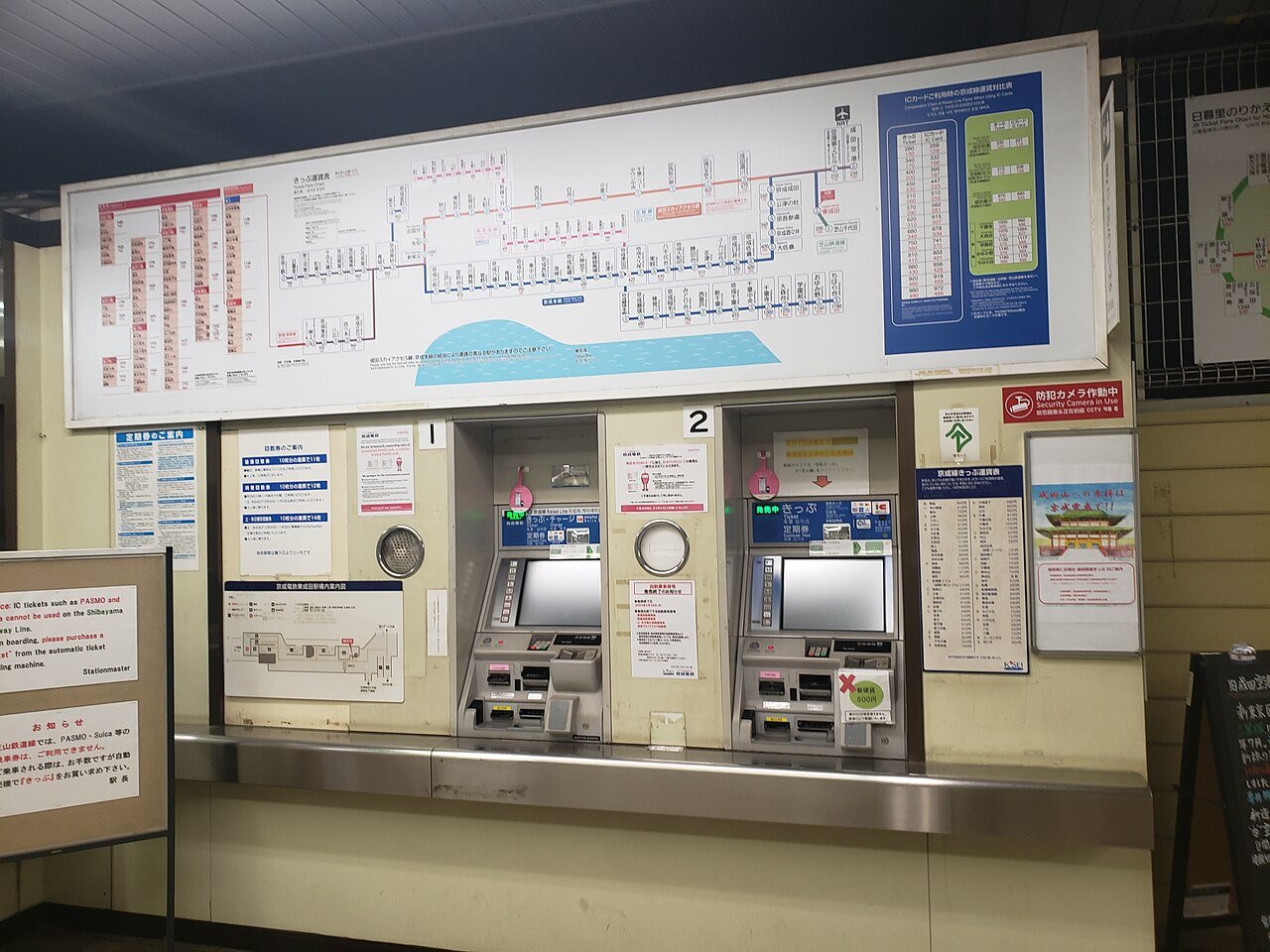
Go to a station counter — Seoul Station and Yongsan Station have foreigner service desks where you can buy tickets with your passport. It always works.
Related guides
- How to Book KTX with a Foreign Credit Card — every booking method ranked.
- Korail Pass vs Buying Tickets — the easiest way around app problems.
🔗 Affiliate disclosure: Some links on this site are affiliate links. If you book through them, we may earn a small commission at no extra cost to you. We only recommend services we believe are genuinely useful for train travel in Korea.